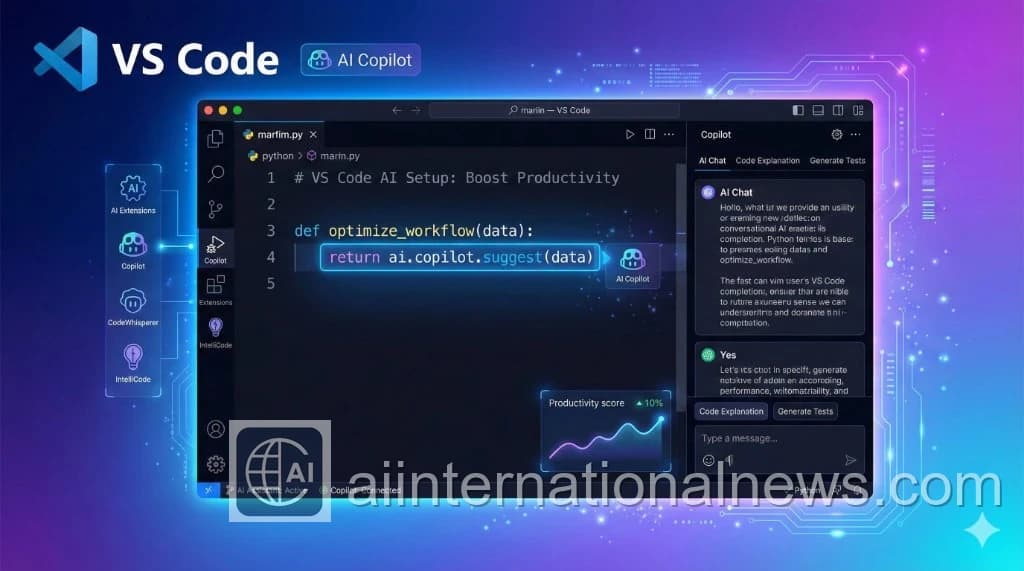
Essential Extensions
- GitHub Copilot: The base AI layer.
- Python (Microsoft): Essential for AI dev.
- Thunder Client: Test APIs without leaving VS Code.
- GitLens: Visualize code history.
- Prettier: Auto-format code on save.
Key Settings (JSON)
Add these to your settings.json:
{ "editor.formatOnSave": true, "editor.inlineSuggest.enabled": true, "github.copilot.enable": { "*": true }, "workbench.iconTheme": "material-icon-theme", "editor.fontFamily": "'Fira Code', Consolas, monospace", "editor.fontLigatures": true }Theme & Aesthetics
If you stare at code all day, make it look good.
- Theme: Tokyo Night or Catppuccin
- Icons: Material Icon Theme
- Font: Fira Code (with ligatures)
Terminal Optimization
Use Oh My Zsh (Mac) or PowerShell 7 + Oh My Posh (Windows) inside VS Code terminal. It gives you git status and virtual env info instantly.
Final Verdict
The Secret
It's not about having 100 extensions. It's about mastering the ones you have. Learn the keyboard shortcuts for Copilot (Ctrl+Enter) and multi-cursor editing.