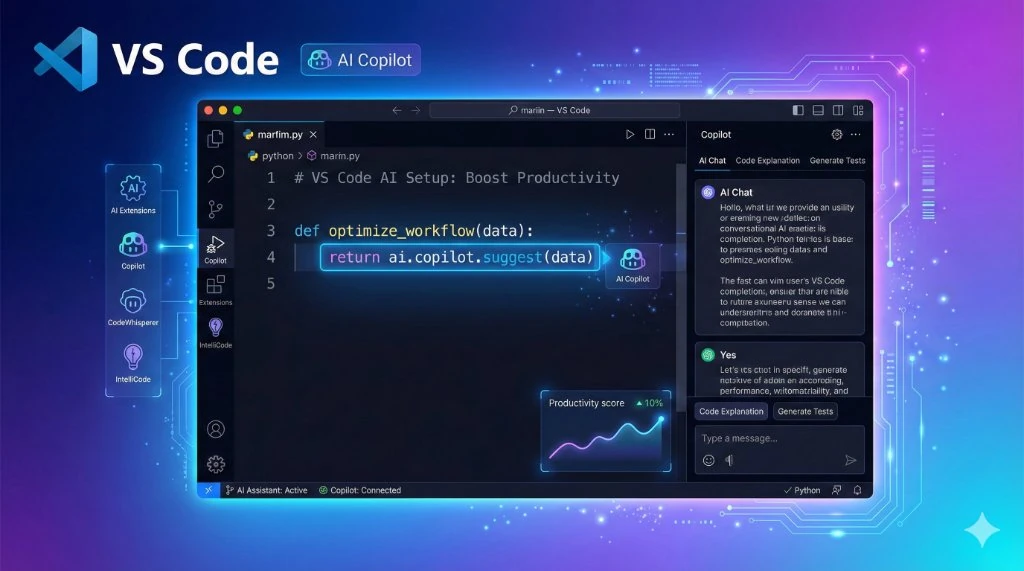
Essential Extensions
- GitHub Copilot: The base AI layer.
- Python (Microsoft): Essential for AI dev.
- Thunder Client: Test APIs without leaving VS Code.
- GitLens: Visualize code history.
- Prettier: Auto-format code on save.
Key Settings (JSON)
Add these to your settings.json:
{
  "editor.formatOnSave": true,
  "editor.inlineSuggest.enabled": true,
  "github.copilot.enable": {
    "*": true
  },
  "workbench.iconTheme": "material-icon-theme",
  "editor.fontFamily": "'Fira Code', Consolas, monospace",
  "editor.fontLigatures": true
}
Theme & Aesthetics
If you stare at code all day, make it look good.
- Theme: Tokyo Night or Catppuccin
- Icons: Material Icon Theme
- Font: Fira Code (with ligatures)
Terminal Optimization
Use Oh My Zsh (Mac) or PowerShell 7 + Oh My Posh (Windows) inside VS Code terminal. It gives you git status and virtual env info instantly.
Final Verdict
🎯 The Secret
It's not about having 100 extensions. It's about mastering the ones you have. Learn the keyboard
shortcuts for Copilot (Ctrl+Enter) and multi-cursor editing.