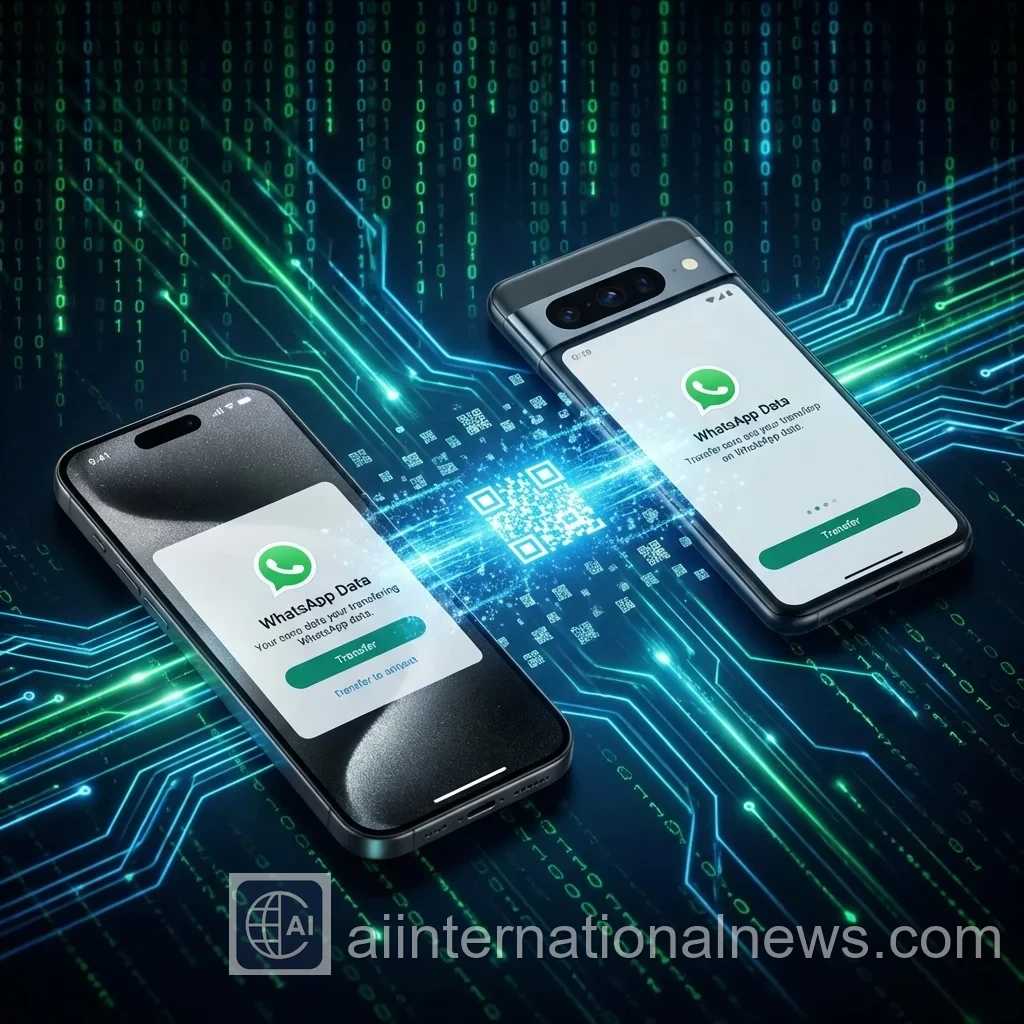
📝 Abhijeet's Take: I recently switched from my S25 Ultra to the S26, and I was dreading the "WhatsApp Restore" progress bar. You know the one—it sits at 99% for three hours and then fails? This new QR method took exactly 4 minutes for 15GB of data. It feels like magic.
Why Cloud Backups Are Obsolete
For the last decade, we've relied on the "Backup & Restore" dance. Upload everything to the cloud (which takes hours), wipe the new phone, sign in, and pray the download works.
Meta finally realized this system is broken. In 2026, the Direct Transfer Protocol creates a private, encrypted Wi-Fi Direct connection between your two phones. No internet upload required. Ideally, it's just pure peer-to-peer speed.
📲 How to Use Direct Transfer:
- Step 1: On Old Phone: Go to Settings > Chats > Transfer Chats.
- Step 2: Click "Start". A QR Code scanner will open.
- Step 3: On New Phone: Install WhatsApp (don't restore backup yet).
- Step 4: Select "Transfer from Old Phone" and scan the QR code.
Technical Deep Dive: The Wi-Fi Direct Protocol
Why is this so much faster? When you use Google Drive, you are limited by your ISP's upload speed (often 20-30 Mbps). Wi-Fi Direct, on the other hand, creates a local ad-hoc network between devices.
Modern flagship phones (with Wi-Fi 7) can achieve transfer speeds of up to 2 Gbps locally. That means transferring a massive 10GB database of memes and videos takes seconds, not hours. Security-wise, the data is encrypted on-the-fly, meaning even you (or WhatsApp) cannot intercept the transfer stream.
The Cross-Platform Nightmare (iPhone to Android)
While Direct Transfer is amazing for Android-to-Android or iOS-to-iOS, the cross-platform bridge remains the "Final Boss" of tech support.
⚠️ Current Limitations (2026):
- Android ↔ Android: QR Code (Super Fast).
- iOS ↔ iOS: QR Code (Super Fast).
- iOS ➡ Android: Still requires a cable (USB-C to Lightning/USB-C).
- Android ➡ iOS: Requires "Move to iOS" app (Painfully Slow).
Rumors suggest WhatsApp is working on a universal cloud-less transfer standard, but for now, if you are switching ecosystems, grab a cable.
💭 Reality Check: Before you clear your old phone, VERIFY the transfer. I've seen cases where media files (photos/videos) don't fully copy over, leaving you with grey boxes. Always keep the old phone active for 24 hours just in case.
Why This Matters for Privacy
By bypassing the cloud, you are technically safer. Your chat database is never sitting on Google or Apple servers in a format that could potentially be subpoenaed or hacked.
Direct Transfer keeps your data strictly on hardware you own. In an age of data leaks (like the "Moltbot" incident we covered), keeping your terabytes of personal conversations off the cloud is a smart move.
Troubleshooting Common Errors
❌ Transfer Failed? Try This:
- Update Apps: Both phones needs the latest WhatsApp version.
- Keep Screens On: Do not let phones sleep during transfer.
- Disconnect WiFi: Sometimes disconnecting home WiFi forces the Direct connection.
- Location Services: Must be ON for local device discovery.
The Bottom Line
The QR Code transfer is the best feature WhatsApp has added in years. It saves time, saves data, and saves bandwidth. Just make sure you follow the steps exactly.
Have you tried the new transfer? Did it work or fail? Let me know in the comments.